 SidePulse
 Pro
Pro Dot
DotSidePulse Pro
A status line that lives in your laptop
Eight small RGB lights sit nearly flush in the SD card slot of a 14″ or 16″ MacBook Pro. SidePulse Pro shows you what's happening without opening another window.
With the SidePulse software, see when a coding agent is working, needs your input, or is done. You can also control the lights directly by writing LEDS.LED from a script or another tool.
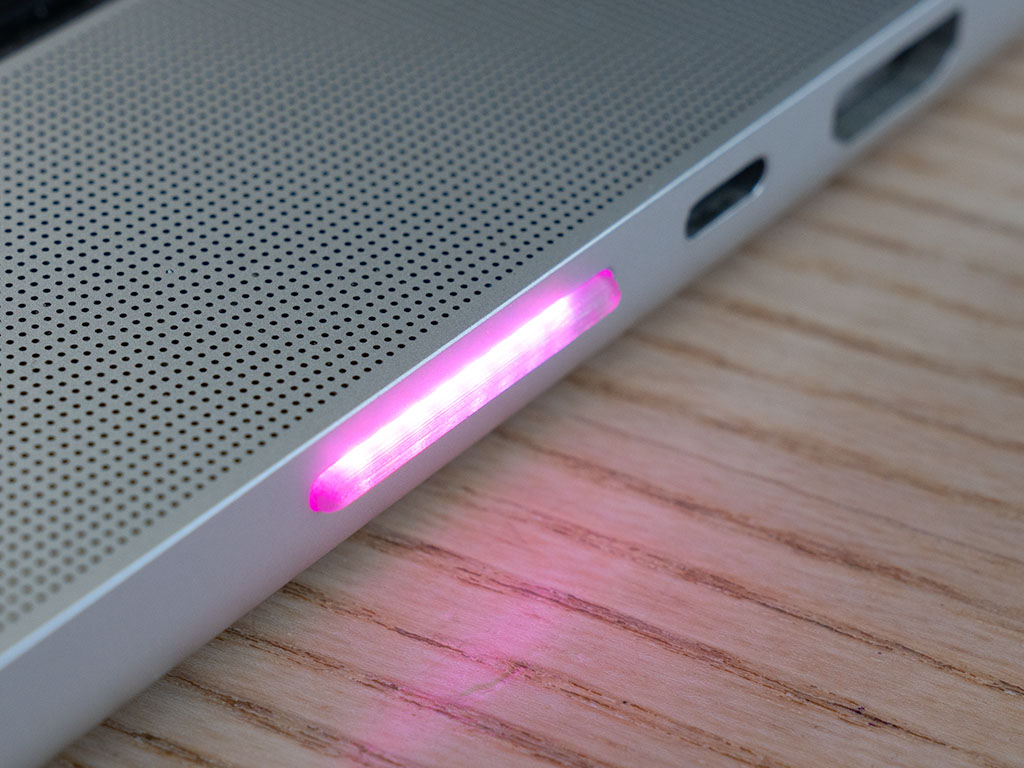
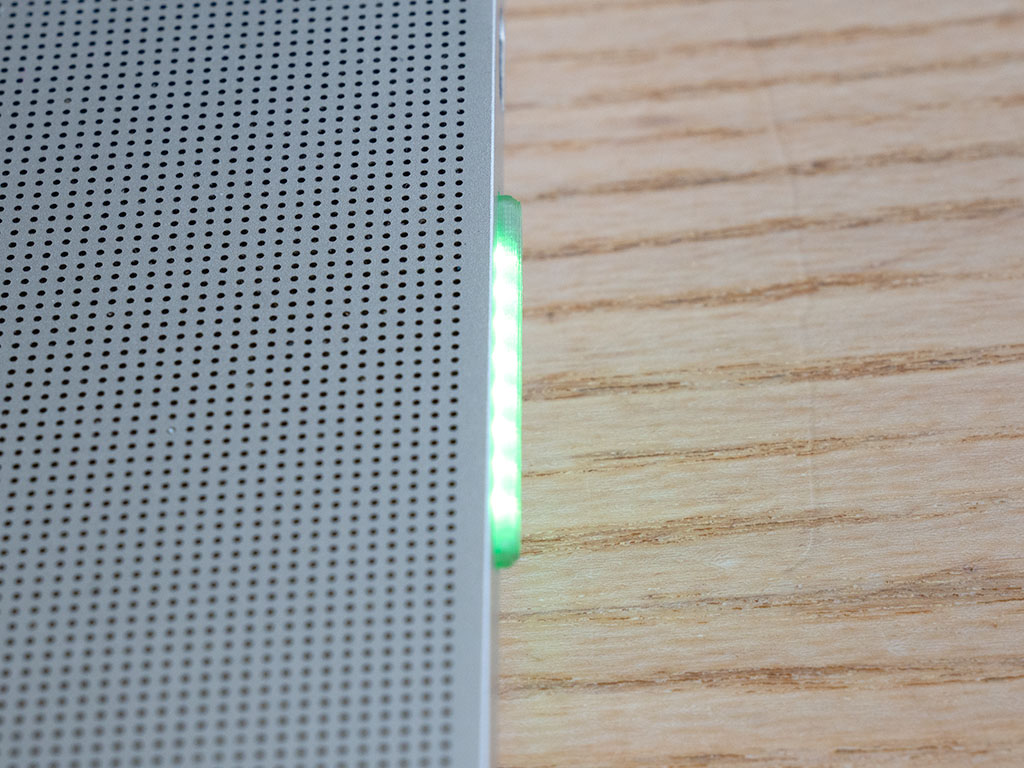
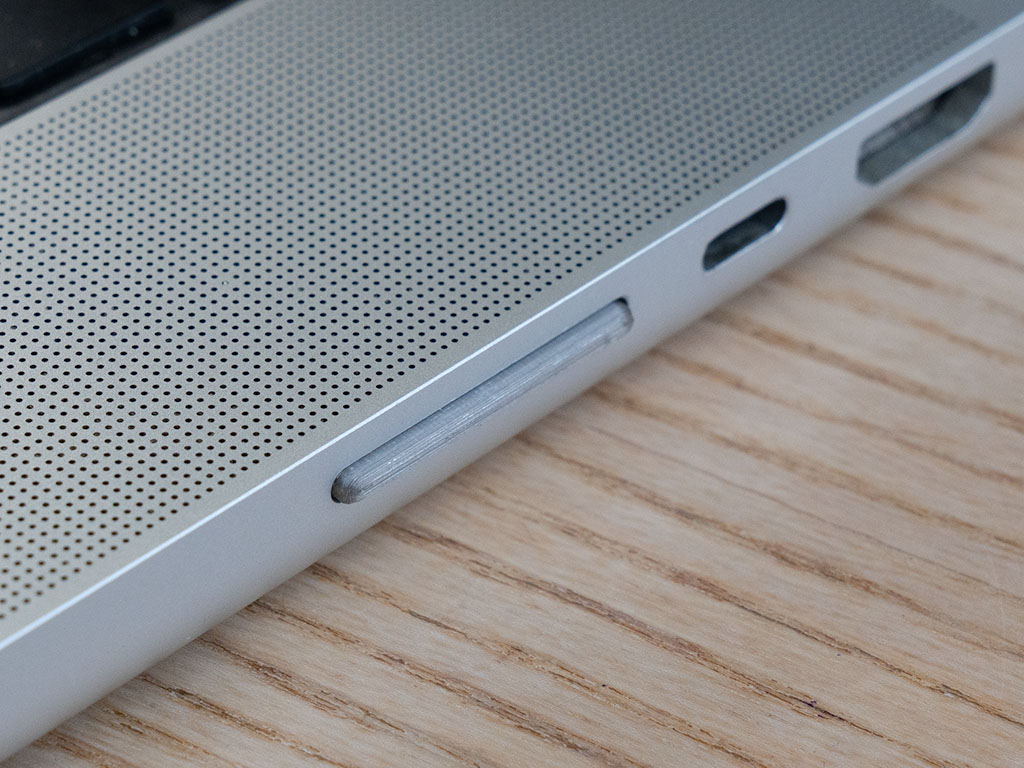
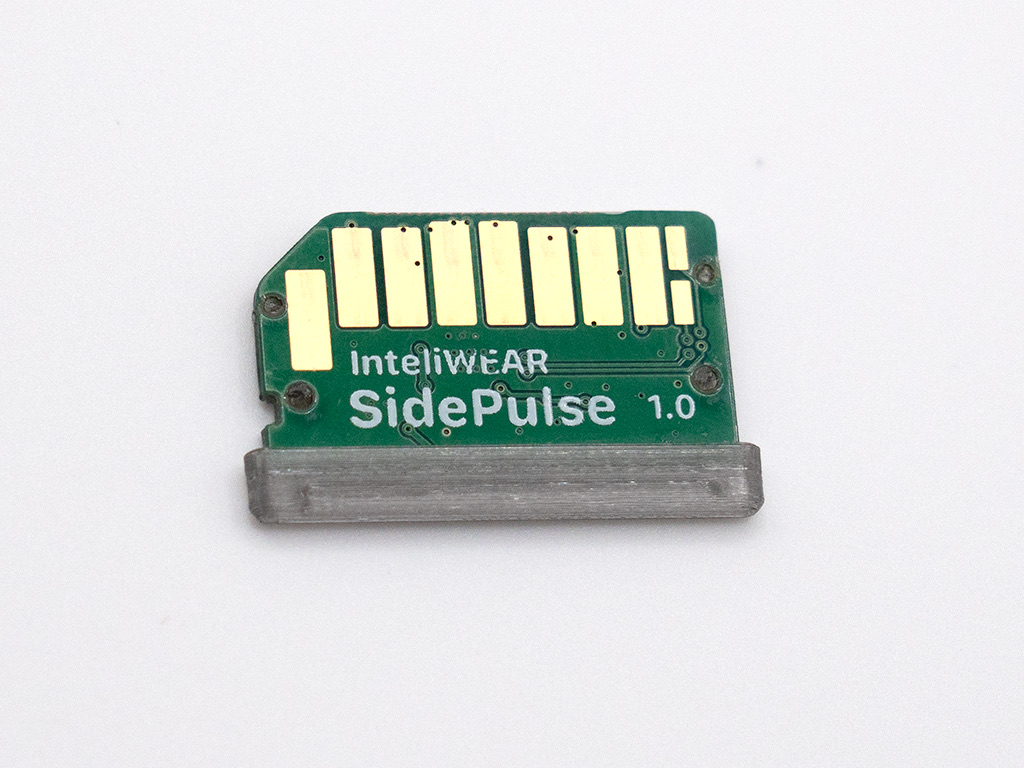
It's just a file
SidePulse Pro exposes itself to your Mac as a filesystem. No driver to install, no app to run, no SDK to learn. To change the lights, you write to LEDS.LED:
echo "#30d158 800ms pulse" > /Volumes/SidePulse/LEDS.LED
If a tool can write a text file, it can control the lights. That means shell scripts, coding agents, CI hooks, cron jobs, and one-liners all work out of the box.
A simple but mighty animation language
LEDS.LED uses a small, CSS-inspired language. Colors, timing, easing, brightness, per-LED addressing, and loops — in plain text.
# soft breathing pulse
#404040 1.4s pulse
off 400ms none
repeat

# stagger all 8 LEDs like a wave
0:#ff0000 150ms ease 0ms;   1:#ff8000 150ms ease 50ms
2:#ffff00 150ms ease 100ms; 3:#00ff00 150ms ease 150ms

# only LED 3 changes, the rest hold
3:#ffffff 80ms none
You get linear, ease, ease-in, ease-out, ease-in-out, cosine, and a full-cycle pulse. Address all LEDs at once, by position, or by index. Loop forever or a fixed number of times.
Made for agent workflows
0:#26d8ff 90ms; 1:#26d8ff 90ms 70ms; … repeat
#30d158
#ff2d20 90ms; off 90ms; #ff2d20 90ms; off 600ms; repeat
#2e9bff 1.8s pulse; repeat
Battery status, download progress, a pomodoro timer, an ambient now-playing strip — it's eight pixels, do what you like with them.
Technical Specifications
- 8 individually addressable RGB LEDs
- Fits the MacBook Pro SD card slot (14" / 16")
- Mounts as a small filesystem — control via
LEDS.LED, no driver - Works with any tool that can write a file
FAQ
- Do I need to install anything? For direct light control, no — SidePulse Pro appears as a small drive, and writing
LEDS.LEDupdates the lights. For automatic agent status, install the open-source SidePulse software using the setup guide. - Which Macs have the slot? The 14" and 16" MacBook Pro have a full-size SD card slot. For Macs without one (Air, mini, iMac) use SidePulse Dot.
- Does it stick out? Only barely — just enough to see the LEDs. It stays inconspicuous, and you can leave it in permanently.
- Can my AI agent control it? Yes. That's the point. Any agent or script that can run
echo ... > LEDS.LEDcan drive the lights. - What's the animation language? A compact, CSS-inspired DSL for colors, timing, easing, brightness and loops. See the examples above and the LED format reference.
First batch — for enthusiasts. The hardware is ready to use, and the software is evolving. You can customize the lights with open-source software and your own scripts.
Included from day one: agent monitoring (Claude & Codex), MacBook battery display, works with the lid closed, and lets your Mac sleep once your agents finish.
Order
SidePulse Pro includes free shipping.