 SidePulse
 Pro
Pro Dot
DotSidePulse Dot
The whole idea, in a USB-C dot
Two small RGB lights in a USB-C port on your Mac, Linux or Windows computer, iPhone, or compatible Android phone (beta). SidePulse Dot gives your agents a visible signal in the smallest device in the family.
On a Mac, the SidePulse software shows when an agent is working, needs your input, or is done. On Linux and Windows, you can control Dot by writing to its LEDS.LED file. On a USB-C iPhone, the SidePulse app lets you send animations from the CLI or Shortcuts. The Android app is in beta and supports local USB playback.
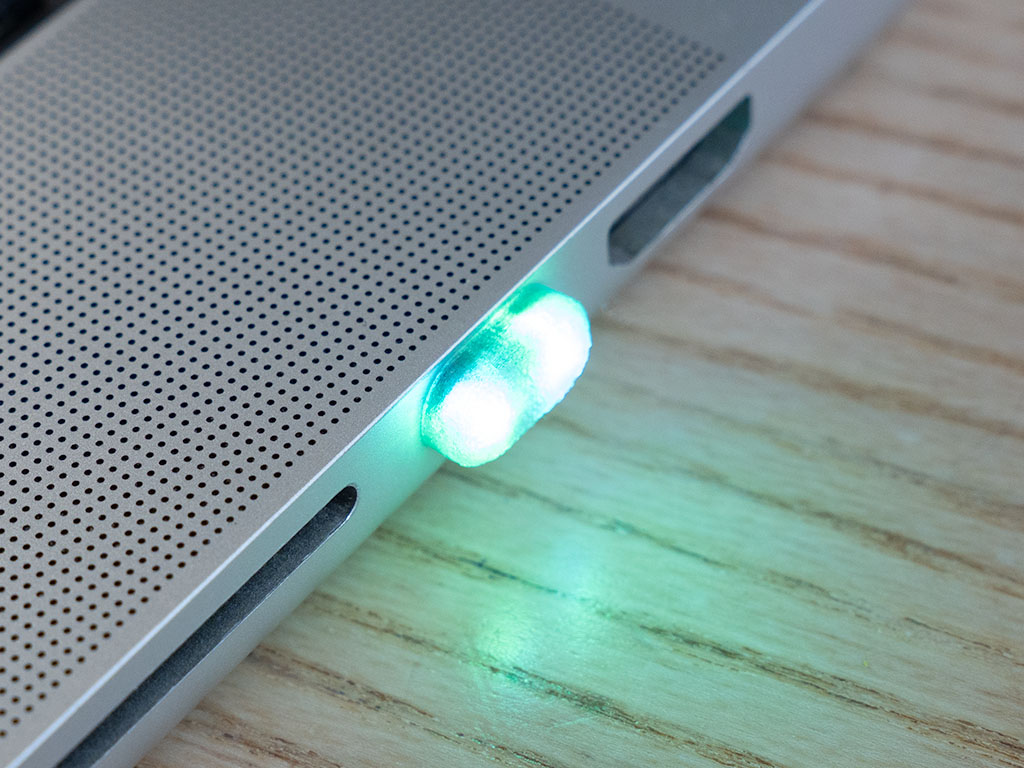
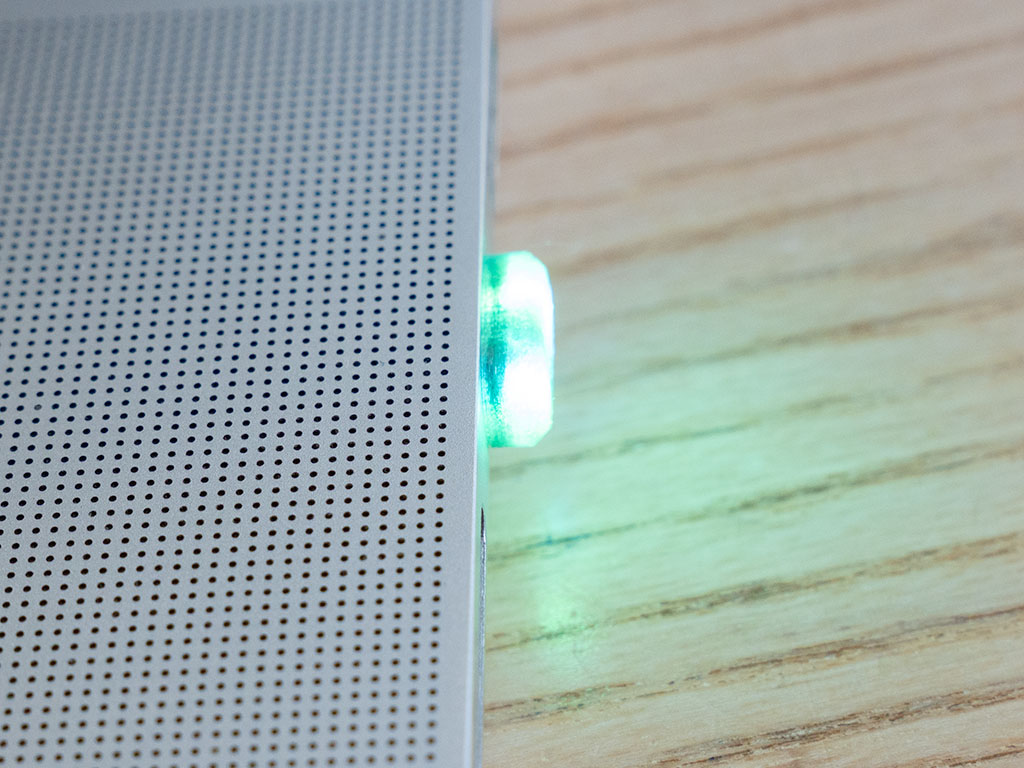
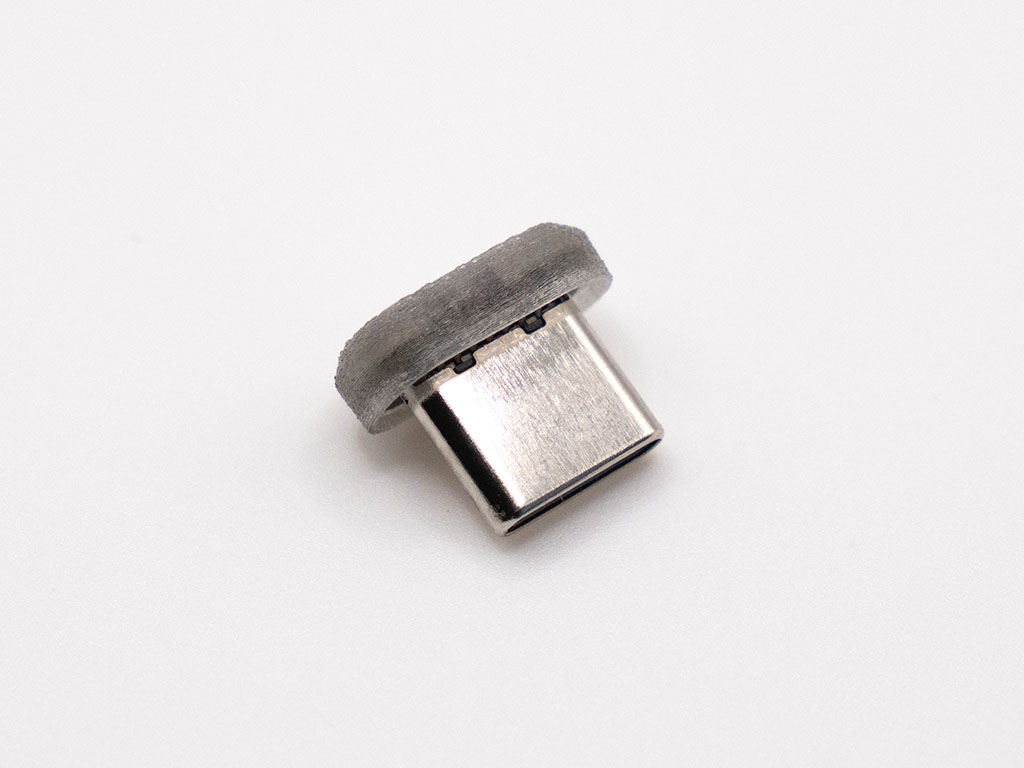
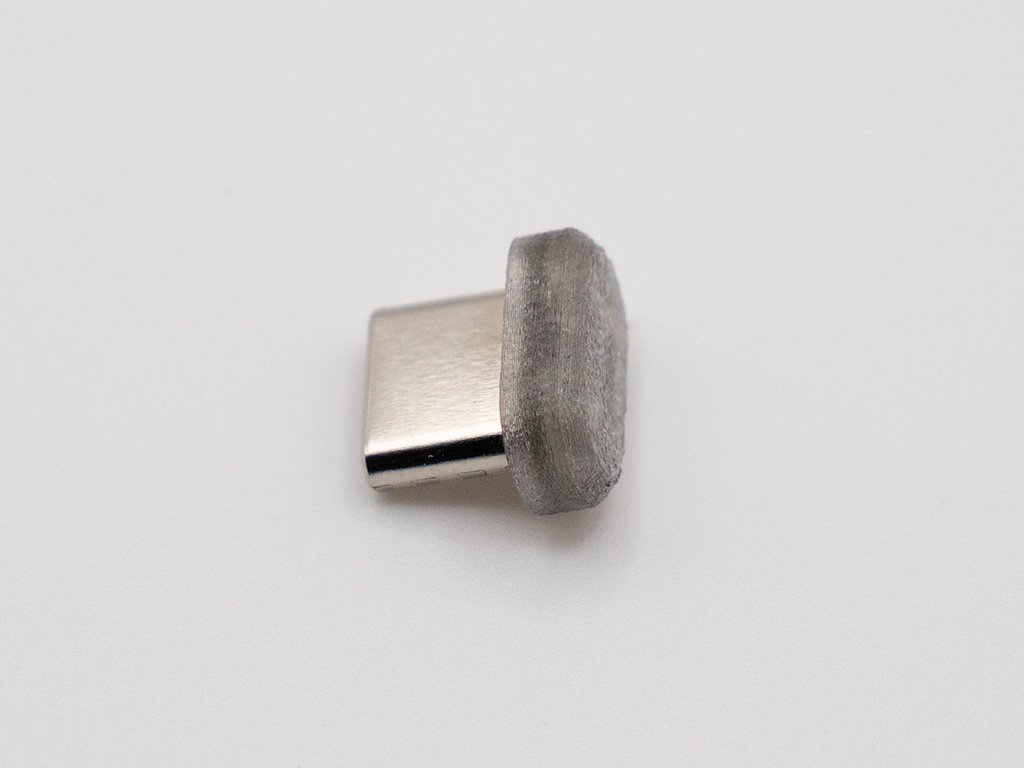
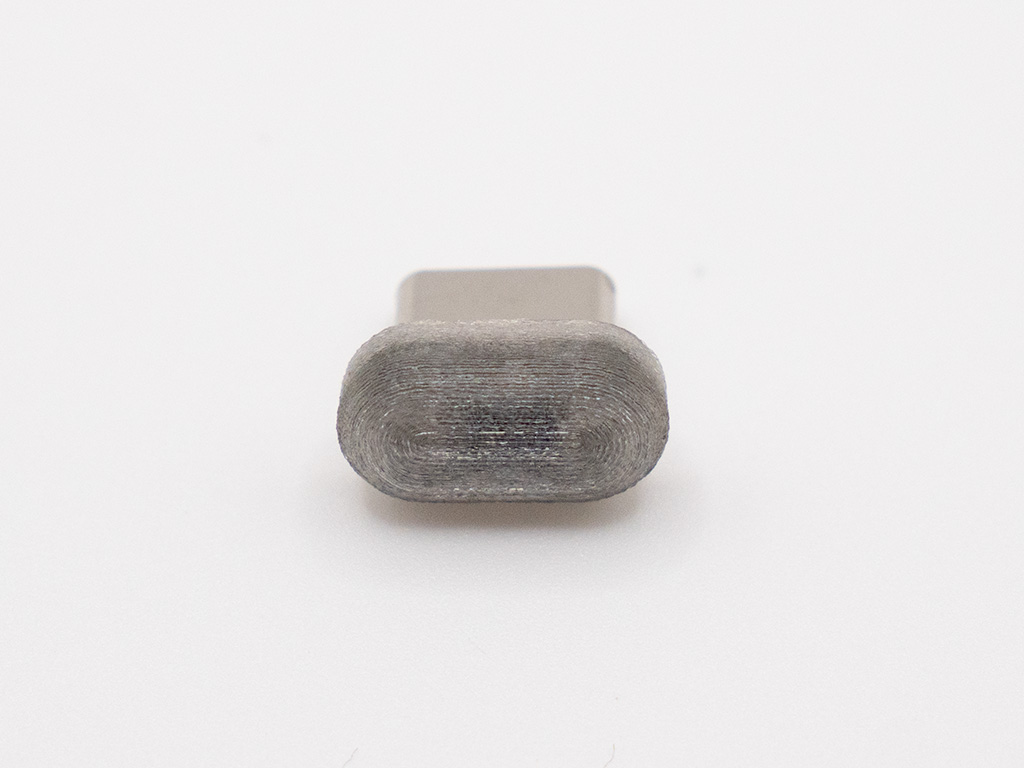
One small light for computers and phones
SidePulse Pro needs a MacBook Pro SD slot. SidePulse Dot plugs into a USB-C port on:
- Mac — MacBook Air, Mac mini, iMac, Mac Studio, or MacBook Pro.
- Linux and Windows PCs — control the lights by writing
LEDS.LEDto Dot's USB drive. Omarchy is a Linux example with a user-built integration. - USB-C iPhone — use the SidePulse iOS app to drive it from your phone.
- Compatible Android phones (beta) — use the SidePulse Android app for local patterns and USB playback.
The one-command setup guide for automatic agent status currently covers macOS. Direct file control works on Mac, Linux, and Windows.
On iPhone: drive it from the command line
The SidePulse iOS app lets a SidePulse Dot plugged into your iPhone receive animations from anywhere — even when the phone is locked in your pocket. The path is simple:
CLI → app → SidePulse Dot. The sidepulse CLI sends your animation as a push notification to the SidePulse app, which forwards it to the SidePulse Dot over USB-C. Your build server, cron job, or coding agent can light up the dot on a phone across the room — or across the world.
# push an animation to the SidePulse Dot on your iPhone
$ sidepulse push '#FF00FF 600ms pulse\nrepeat 3'
It's the same LEDS.LED language — you just send the program over the wire. Shortcuts support is there too, so any iOS automation can trigger a SidePulse Dot animation.
Same language as SidePulse Pro
SidePulse Dot speaks the same compact, CSS-inspired animation language. With 2 LEDs, indexes 0 and 1 are valid and color lists clamp to those two pixels — everything else you learned on SidePulse Pro carries over. The full syntax is in the LED format reference.
# gentle two-dot breathing
#404040 1.4s pulse
off 400ms none
repeat

# left red, right green
0:#ff0000 1s; 1:#00ff00 1s
Made for agent workflows
0:#26d8ff 200ms; 1:#26d8ff 200ms 200ms; repeat
#30d158
#ff2d20 90ms; off 90ms; #ff2d20 90ms; off 600ms; repeat
Keep it in a computer at your desk, or in a phone when you want a signal on the go. Phone features vary by platform; Android support is in beta.
Technical Specifications
- 2 individually addressable RGB LEDs
- USB-C connector — Mac, Linux and Windows computers, USB-C iPhone, and compatible Android phones (beta)
- Mounts as a USB drive on Mac, Linux and Windows — control via
LEDS.LED - iPhone control via the SidePulse iOS app (CLI → push → SidePulse Dot) or Shortcuts
- Android control via the SidePulse Android app (beta) for local patterns and USB playback
- Same animation language as SidePulse Pro
FAQ
- What's the difference from SidePulse Pro? SidePulse Dot has 2 LEDs and fits a USB-C port on Mac, Linux, Windows, iPhone, or a compatible Android phone (beta). SidePulse Pro has 8 LEDs and fits the MacBook Pro SD slot.
- Can agents control the dot on my iPhone? Yes — the
sidepulseCLI pushes an animation to the SidePulse iOS app, which drives the SidePulse Dot in your pocket. Works from anywhere. - Do I need an app? On Mac, Linux, and Windows, you can control Dot directly by writing
LEDS.LEDwithout an app. For automatic agent status on Mac, install the SidePulse software using the setup guide. On iPhone, the SidePulse app receives pushed animations; Shortcuts works too. On compatible Android phones, the beta app supports local patterns and USB playback. - Does it stick out? It's a small dot in the USB-C port. Easy to leave in, easy to move between devices.
First batch — for enthusiasts. The hardware is ready to use, and the software is evolving. You can customize the lights with open-source software and your own scripts.
Included from day one: agent monitoring (Claude & Codex), MacBook battery display, works with the lid closed, lets your Mac sleep once your agents finish, and the SidePulse iOS app — drive a SidePulse Dot on your iPhone from the CLI or Shortcuts.
Also available in beta: the SidePulse Android app for local patterns and USB playback.
Order
SidePulse Dot has free shipping on orders over $50.